Windows Security
Protecting your computer from attackers or unauthorized users is crucial to ensure the security of your data and privacy. Here are some essential steps you can take to enhance your computer's security:
Regularly update your operating system and all installed software to patch security vulnerabilities.
Use reputable antivirus software and keep it up to date to protect against malware and other malicious threats.
For example of famous antivirus software: Kaspersky Anti-Virus / McAfee /Norton AntiVirus /AVGA ..etc
- # Create complex passwords that include a mix of letters, numbers, and special characters.
- # Avoid using easily guessable information like birthdays or common words.
- # Perform regular backups of your important data to an external hard drive or a secure cloud service.
- # In case of a security breach or hardware failure, you can restore your data.
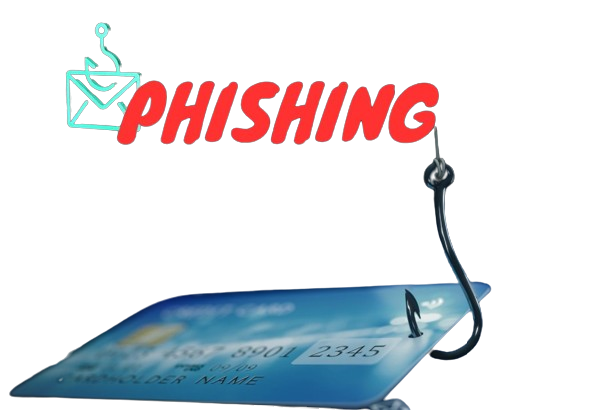
Here are some tips to help you deal with phishing:
If you receive an email or message from an unknown sender, be wary of clicking on any links or downloading any attachments. If the email or message seems suspicious, it’s best to delete it.
If you receive an email or message from a known sender, but the content seems unusual or out of character, it’s best to verify the sender’s identity before responding. You can do this by contacting the sender through a different channel, such as a phone call or text message.
Before entering any sensitive information on a website, check the URL to ensure that it’s legitimate. Cybercriminals often create fake websites that look similar to legitimate ones to trick users into entering their personal information.
the best way to protect yourself from phishing is to stay vigilant and be cautious of any unsolicited emails or messages that ask for your personal information.